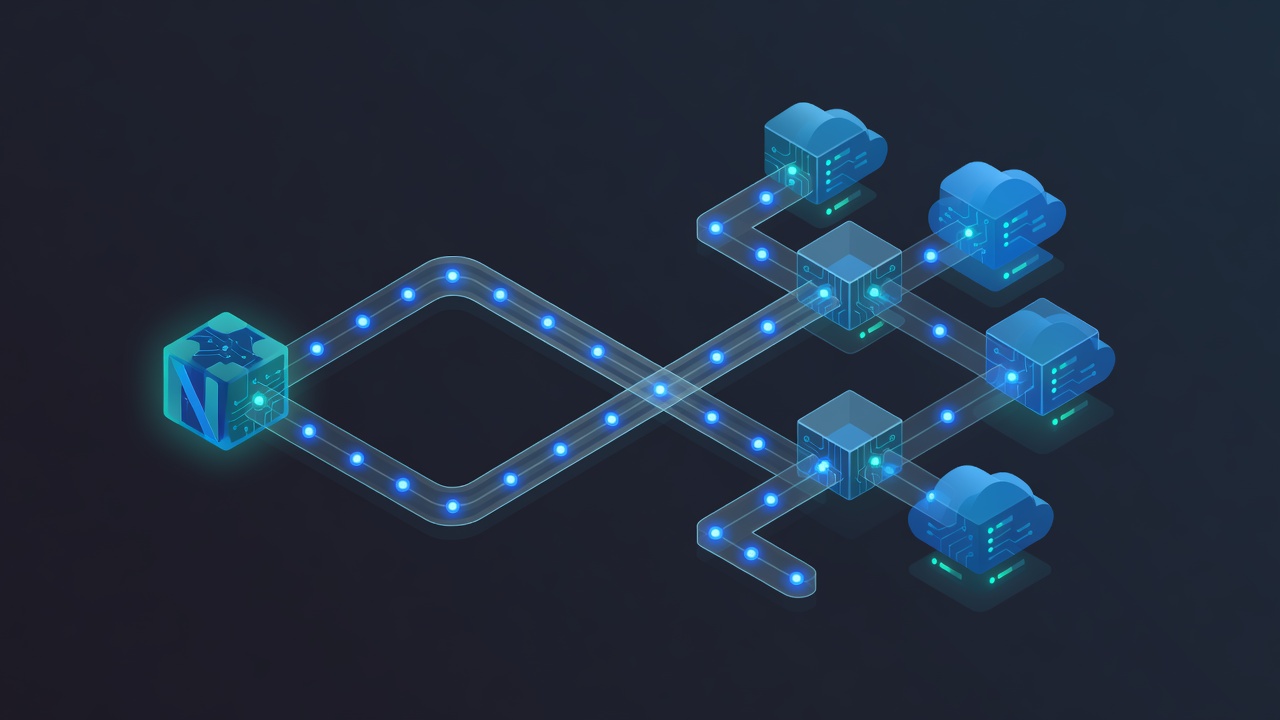
Why Background Jobs Matter for Modern Next.js Applications
Users expect instant feedback. When someone signs up for your SaaS, they want a welcome email immediately, not after your API route finishes processing. Heavy tasks like generating reports, resizing images, calling external APIs, or running moderately complex AI inferences can easily exceed Vercel function timeouts or degrade user experience if handled synchronously.
Background jobs solve this by moving work off the critical path. The challenge for indie developers and small teams has always been the operational overhead: managing Redis, handling retries, building dashboards, and ensuring jobs survive deployments. Inngest removes most of this complexity by providing a durable execution platform that works seamlessly with Next.js.
In this guide we'll build real features you'll actually use in production: transactional emails, multi-step user onboarding flows, and an AI-assisted content processing pipeline. All examples use the latest Inngest patterns compatible with Next.js 14 and 15, App Router, and Server Actions.
Understanding Inngest: Functions, Events, and Steps
Inngest is not just another queue. It lets you write TypeScript functions that run reliably in a serverless environment. You define events that trigger these functions. Each function can contain multiple steps that automatically save their state, allowing workflows to pause for hours or days and resume exactly where they left off.
Key concepts:
- Events: Named JSON payloads that trigger work (e.g. "user.signed.up")
- Functions: The code that runs when an event occurs
- Steps: Individual units of work inside a function that are automatically retried and checkpointed
This model shines for complex business logic that would otherwise require careful orchestration with multiple queue workers and a database for state.
Setting Up Inngest in a Next.js Project
Start by installing the required packages:
npm install inngest
npm install --save-dev @types/node
Create a new file at app/api/inngest/route.ts to serve the Inngest handler:
import { serve } from "inngest/next";
import { inngest } from "@/inngest/client";
import { welcomeEmail } from "@/inngest/functions/welcome-email";

export const { GET, POST, PUT } = serve({
  client: inngest,
  functions: [welcomeEmail],
});
Next create the Inngest client at inngest/client.ts:
import { Inngest } from "inngest";

export const inngest = new Inngest({
  id: "my-nextjs-app",
  eventKey: process.env.INNGEST_EVENT_KEY,
});
Sign up at inngest.com, create an app, and add the signing key and event key to your .env.local file. The local development server provided by Inngest gives you an immediate UI for inspecting and replaying events.
Building Your First Function: Transactional Welcome Email
Let's create a realistic welcome sequence. Create inngest/functions/welcome-email.ts:
import { inngest } from "../client";
import { sendEmail } from "@/lib/email";

export const welcomeEmail = inngest.createFunction(
  { id: "welcome-email" },
  { event: "user.signed.up" },
  async ({ event, step }) => {
    // Step 1: Send welcome email
    await step.run("send-welcome-email", async () => {
      await sendEmail({
        to: event.data.email,
        template: "welcome",
        variables: { name: event.data.name },
      });
    });

    // Step 2: Wait 2 days then send onboarding tip
    await step.sleep("wait-for-onboarding", "2d");

    await step.run("send-onboarding-tip", async () => {
      await sendEmail({
        to: event.data.email,
        template: "onboarding-tip",
        variables: { name: event.data.name },
      });
    });

    return { success: true };
  }
);
Trigger this function from your registration Server Action:
import { inngest } from "@/inngest/client";

async function registerUser(data) {
  const user = await db.user.create({ data });

  await inngest.send({
    name: "user.signed.up",
    data: {
      userId: user.id,
      email: user.email,
      name: user.name,
    },
  });

  return user;
}
The sleep step demonstrates Inngest's super power: the function can pause for days without consuming resources or requiring persistent workers.
Handling Complex AI Workflows
AI tasks are perfect candidates for background processing. Generation can take 15–60 seconds and you don't want to block your API routes. More importantly, you often want retries if an LLM provider returns a rate-limit error.
Here's a pattern for an AI content enhancement pipeline:
export const enhanceContent = inngest.createFunction(
  {
    id: "enhance-content",
    retries: 3,
  },
  { event: "content.needs.enhancement" },
  async ({ event, step }) => {
    const original = event.data.content;

    // Generate improved version
    const improved = await step.run("call-llm", async () => {
      return await callLLM({
        prompt: `Improve this content while keeping the original meaning: ${original}`,
        model: "claude-3-haiku",
      });
    });

    // Store result
    await step.run("save-to-db", async () => {
      await db.content.update({
        where: { id: event.data.contentId },
        data: { enhancedVersion: improved, status: "ready" },
      });
    });

    // Notify user via in-app notification service
    await step.run("notify-user", async () => {
      await createNotification(event.data.userId, "Your content is ready");
    });

    return { status: "enhanced" };
  }
);
By wrapping each external call in step.run(), Inngest automatically saves the result. If the function fails on the notification step, it will retry from that point without calling the LLM again. This saves money and prevents duplicate content generation.
Concurrency, Rate Limiting, and Throttling
Startups often face sudden usage spikes. Inngest provides built-in controls:
- Concurrency limits per function or per user
- Rate limiting based on custom keys
- Priority queues for different tiers of customers
Example of limiting expensive AI jobs per user:
export const generateReport = inngest.createFunction(
  {
    id: "generate-report",
    concurrency: {
      limit: 2,
      key: "userId",
    },
    rateLimit: {
      limit: 5,
      period: "1h",
      key: "userId",
    },
  },
  { event: "report.requested" },
  async ({ event, step }) => {
    // function body
  }
);
This prevents any single user from consuming all your LLM budget while still allowing legitimate usage.
Observability and Debugging in Production
One of Inngest's strongest advantages is the dashboard. Every function execution is logged with full input, output, timing, and stack traces. You can replay any event with one click during development or after fixing a bug in production.
Connect your production app by adding the signing key. Use the INNGEST_LOGGING_LEVEL environment variable to adjust verbosity. For teams, set up Slack or email alerts for failed functions with custom thresholds.
When something goes wrong with an external API, the built-in retry configuration (exponential backoff by default) combined with manual replay capability dramatically reduces operational stress.
Security Considerations
Background jobs introduce new attack surfaces. Follow these practices:
- Always validate and sanitize event payloads before processing. Inngest events can be sent from your frontend, so treat them as untrusted.
- Use the
step.run()pattern rather than calling external services directly in the top level of the function. This ensures retries only rerun necessary work. - Implement authorization checks inside functions when dealing with user-specific data. Fetch the user record and verify permissions even if the triggering event came from an authenticated API route.
- Store sensitive data in your own database and pass only IDs in events. Never put raw API keys or PII inside Inngest events.
- Enable Inngest's event signing and use the provided middleware for additional request validation.
For applications handling GDPR data, Inngest's ability to pause and resume workflows helps implement "right to be forgotten" by cancelling pending steps when a user requests deletion.
Deployment and Cost Management
Inngest works equally well on Vercel, Netlify, or any Node.js platform. The functions run on Inngest's infrastructure, so you only pay for the compute time of your own code when steps execute. This model is usually significantly cheaper than long-running background workers on Render or Railway for sporadic workloads.
Monitor your usage in the Inngest dashboard. Common cost-saving patterns include batching similar events and using shorter timeout steps for quick operations. For high-volume applications, Inngest offers volume discounts once you exceed certain thresholds.
Many indie developers report moving from custom BullMQ + Redis setups to Inngest and reducing their monthly infrastructure budget by 60-80% while gaining reliability.
Real-World Example: Invoice Generation Workflow
A common SaaS requirement is generating PDF invoices after payment. The workflow typically involves:
- Marking the invoice as "processing"
- Generating PDF (potentially using Puppeteer or a service like DocRaptor)
- Uploading to cloud storage
- Sending email with attachment
- Updating invoice status to "sent"
- Triggering accounting sync
With Inngest this becomes a single readable function with clear steps, automatic recovery if the storage upload fails, and full visibility into every invoice's processing history. When the accounting integration changes, you update one step without redeploying your entire payment flow.
When to Choose Inngest vs Other Solutions
Inngest excels when you need:
- Multi-step workflows with delays or human-in-the-loop approval steps
- Strong observability without building your own dashboard
- Serverless-friendly architecture (no persistent Redis)
- Rapid iteration on business logic
Traditional queues like BullMQ or Redis Streams might be preferable for extremely high throughput (>1000 jobs per second) or when you need fine-grained control over exactly-once processing semantics. For most startups and indie products, Inngest provides the right balance of simplicity and power.
Getting Started Today
The fastest way to evaluate Inngest is to add it to an existing Next.js project and migrate one non-critical job (such as a weekly usage report). The local dev server gives you immediate feedback and the ability to simulate failures.
Once comfortable with basic events and steps, try building a fan-out pattern where one event triggers personalized jobs for thousands of users. The platform handles this scaling transparently.
Background jobs shouldn't be an afterthought or a source of operational headaches. With tools like Inngest, they become a reliable foundation that lets you ship better user experiences faster.
Start small, instrument everything, and gradually move more of your async work into durable functions. Your future self—and your users—will thank you when the inevitable production incident occurs and you can replay the exact event that failed after deploying the fix.